


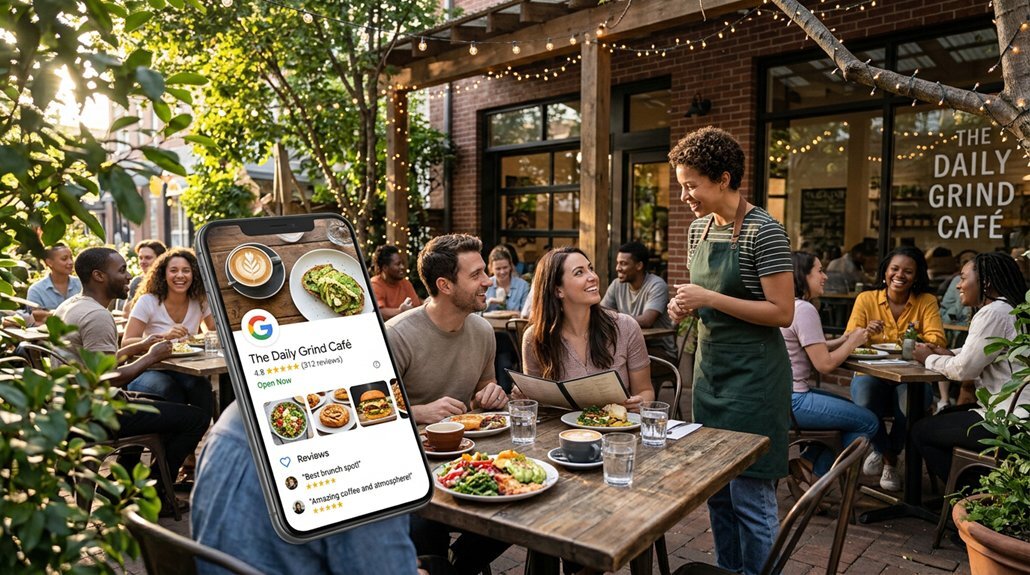
To get more restaurant customers through Google Business Profile, you'll want to complete every section accurately—name, address, hours, and photos. Upload 20–30 high-quality images, keep your menu current with keyword-rich descriptions, and connect reservation platforms like OpenTable for one-tap booking. Respond to every review, since doing so can lift conversions by 16.4%. Track metrics like calls and direction requests monthly to refine what's working. Each strategy covered ahead builds on the last.
Set Up Your Google Business Profile With Accurate, Complete Information
 .
.
Before anything else, you'll need a Gmail or G-Suite email address to get started with Google Business Profile — head to business.google.com or Google.com/Business to begin.
Search for your restaurant first to check if it's already listed; if it is, claim it rather than create a duplicate. Enter your restaurant name, select the most specific primary category available, and add secondary categories that genuinely reflect your offerings.
Claim an existing listing before creating a new one — duplicates hurt your visibility and confuse potential customers.
Your business name, address, and phone number must stay consistent across your website, Yelp, OpenTable, and every other platform where your restaurant appears.
Skip P.O. boxes — Google requires a real address. Add your website link, set accurate operating hours, and configure special hours for holidays.
Outdated or inconsistent information damages both your credibility and your search ranking. Google My Business increases your visibility in both Google Maps and search results, making it one of the most powerful free tools available to restaurant owners.Add Photos and Menu Details That Make Customers Click
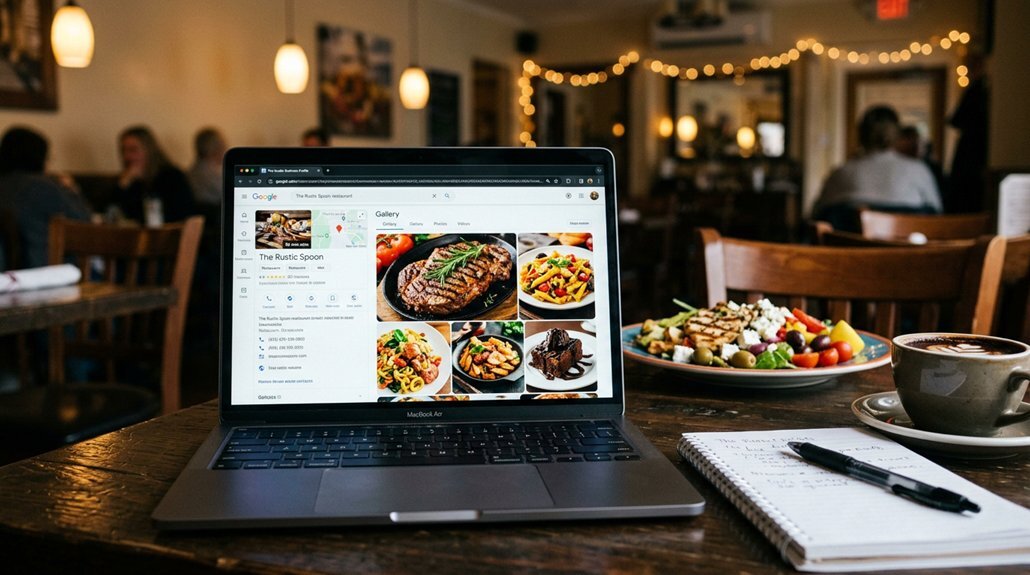
Your restaurant's photos are the first handshake with potential customers — and a weak one costs you the reservation. Upload 20–30 high-quality JPG or PNG images covering your dining room, signature dishes, exterior, and staff. Aim for sharp, well-lit shots with a minimum resolution of 720px, sized between 10KB and 5MB.
Menu photos matter most — they're the most-clicked content on your profile. Organize items into clear categories, keep pricing current, and write keyword-rich descriptions that actually sell the dish.
Consistency drives results. Post new photos weekly, use SEO-friendly filenames like "wood-fired-pizza-chicago.jpg," and refresh seasonally. For videos, keep clips under 30 seconds and shoot at 720p resolution or higher to meet Google's quality standards.
Restaurants with optimized photo galleries generate 520% more calls and 42% more direction requests. That's not a small advantage — that's the difference between a full house and empty tables.Use Action Buttons on Your Google Business Profile to Drive Reservations
.
Getting customers to click on stunning photos is a win — but it's only half the battle. You need to convert that curiosity into confirmed reservations, and that's exactly what action buttons do.
When you connect platforms like OpenTable or Toast directly to your Google Business Profile, a reserve button appears right in search results — no extra clicks, no external websites, no friction.
That one-tap booking experience matters more than most restaurant owners realize. Customers who find you through local search are already motivated, and removing navigation barriers dramatically increases the likelihood they'll follow through.
Test your integrations monthly, because a broken connection silently kills reservations without you knowing. Then track everything through your Insights dashboard — you'll see exactly which actions are driving real bookings. Profiles with active reservation buttons also benefit from higher visibility in local search results, giving your restaurant an additional edge over competitors who haven't optimized this feature.
Respond to Reviews in Ways That Attract New Customers
Every review response you publish is quietly doing double duty — managing the relationship with the reviewer while simultaneously speaking to every potential customer who reads it.
Responding to all your reviews instead of none can lift conversion rates by 16.4%, which is significant when Google profiles already convert at just 2.3% by default. Additionally, local partnerships can enhance your visibility and credibility in the community.
Respond within 72 hours, address negative reviews with genuine accountability, and invite resolution.
Speed matters — respond within 72 hours, own your mistakes, and always leave the door open for resolution.
For positive reviews, use the reviewer's first name, weave in location or cuisine keywords, and extend a warm invitation to return.
These aren't just courteous gestures — they're local SEO signals that reinforce your relevance to Google's algorithm.
The benefits plateau around a 67% response rate, so focus your energy there before chasing perfection. Restaurants with positive, recent reviews rank higher locally, so consistent and thoughtful engagement with feedback directly strengthens your position in search results.Track Your Google Business Profile Performance to Find What's Working
.
Five core metrics inside Google Business Profile Insights tell you exactly where your visibility is strong, where it's leaking, and which changes are actually moving the needle.
Profile views, calls, direction requests, website clicks, and photo views each reveal a different layer of customer behavior. Calls signal immediate ordering intent. Direction requests show physical visit demand by day and time. Photo views tell you whether your visual content is pulling its weight against competitors, especially when you design an attractive rewards structure.
Set a monthly review schedule and use 14–30 day comparison windows after any major profile change. If calls, menu views, or direction requests don't improve over two consecutive cycles, replace what isn't working. Your profile also appears across both Google Search and Maps, giving you two simultaneous channels to monitor for shifts in customer discovery patterns.
Optimized profiles report up to 450% more website traffic, so the data will tell you what's worth keeping.
Frequently Asked Questions
How Does Google Business Profile Help Restaurants Appear on AI Platforms Like Chatgpt?
Your complete Google Business Profile feeds structured data that AI platforms like ChatGPT reference when answering user queries. Keep your name, address, hours, and menu updated so AI tools accurately recommend your restaurant.
Can Google Business Profile Management Tools Handle Over 100 Restaurant Locations Simultaneously?
Yes, you can manage over 100 restaurant locations simultaneously using tools like Yext, SOCi, and Uberall, which sync data across platforms, automate reporting, and streamline bulk updates through unified dashboards.
How Do Restaurants Maintain Consistent Information Across Google, Yelp, and Apple Maps?
You'll maintain consistent information by matching your NAP details, categories, and attributes identically across all platforms. Update hours, menus, and links simultaneously whenever changes occur, and respond actively to reviews on Google, Yelp, and Apple Maps.
What Percentage of Restaurant Customers Search Google Before Choosing Where to Eat?
You'd be surprised to know that 40% of consumers use Google Search to discover new restaurants, and 82% of them visit your website after finding you through that initial search.
How Quickly Can Restaurants Expect Increased Interactions After Optimizing Their Google Business Profile?
You'll notice minor upticks in calls and website clicks within your first month. By months one to three, you'll see noticeable local search visibility growth, with significant ranking improvements solidifying between months three and six.